Hello!
When your favorite artist announces a concert, the excitement is often quickly followed by the anxiety of, "Will I even get a seat?" To survive the fierce battlefield of highly competitive ticketing—where events sell out in 0.1 seconds—thorough preparation is absolutely required. For those who have repeatedly shed tears over the dreaded "Seat already taken" message, we've compiled the core ticketing tips to boost your success rate to 200%!
💡 4 Essential Tips for Ticketing Success
1. Network and Device Setup is Fundamental
Ticketing is a battle of speed. Using a desktop PC connected to a wired LAN at home or a PC café is the most stable option, far better than relying on Wi-Fi. Do not open multiple windows; instead, close all unnecessary browser tabs (Chrome is recommended) to free up your computer's memory.
2. Disable Pop-up Blockers & Pre-register Payment Methods
Imagine selecting all your desired seats, only to have the payment window blocked by a pop-up blocker! It is a terrible situation just to imagine. Disabling pop-up blockers on the ticketing site in advance is a must. Also, to avoid wasting time during the checkout phase, pre-select quick options like 'Direct Bank Transfer' (if supported) or pre-link fast digital payment methods.
3. Run a Realistic Simulation Practice
On the day of the ticketing, do a practice run of the booking process using another ongoing event on the ticketing platform you will be using (such as Ticketmaster, AXS, etc.). By familiarizing your hands and eyes with the location of the 'Book Now' button, the seat selection UI, and the transition to the payment step, you won't panic during the real event.
4. Check the Platform's 'Server Time', Not Your Device Time
This is the most important and crucial tip! Just because your mobile phone or PC clock hits the exact hour does not mean the ticketing platform's clock matches it. Every ticketing site has its own unique 'server time,' and you must hit refresh (F5) or click the booking button exactly on the hour according to this specific time to secure an earlier spot in the queue.
✨ Your Cheat Code for Ticketing Success: Introducing 'TimeGarden'!
In the world of highly competitive ticketing, where victory and defeat are decided in 0.1 seconds, your most important weapon is the exact server time. To resolve your frustrations and assist you in a successful booking, try utilizing the comprehensive time information platform, 'TimeGarden'!
Why TimeGarden is Essential for Ticketing:
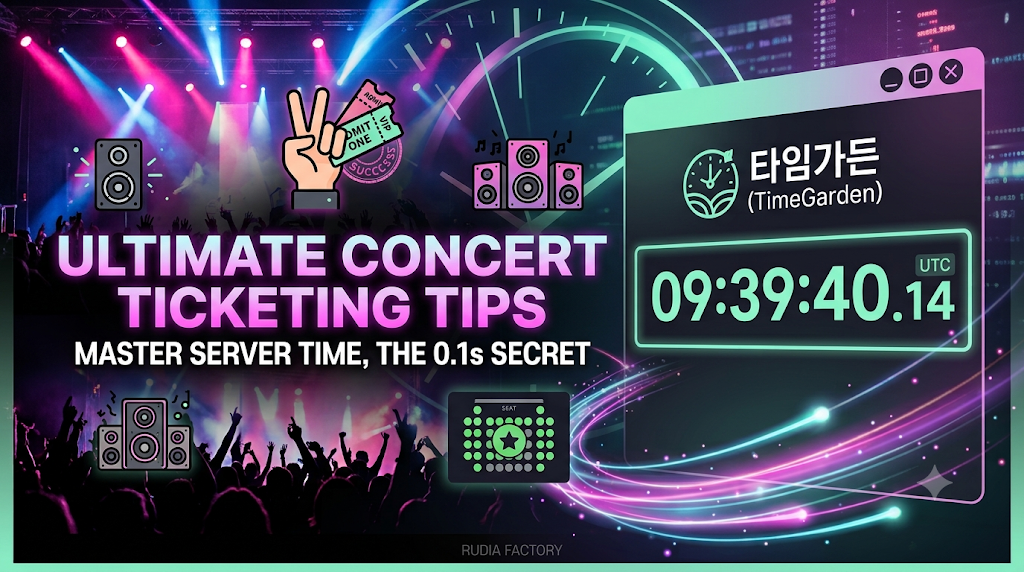
- Overwhelming Accuracy Down to the Millisecond (0.01s): It displays the time in real-time down to the decimal point, such as 09:39:40.14, allowing you to catch the absolute perfect timing.
- Custom Server Time Checks for Ticketing Platforms: It provides a timer accurate to the second, so you can press 'refresh' exactly on time tailored to the server time of specific ticketing platforms.
- Optimized Dark Mode UI: By applying bright mint-colored numbers against a dark background, it is intuitively designed so you can focus perfectly only on the time during nerve-wracking ticketing moments.
With TimeGarden, your chances of grabbing those coveted empty seats skyrocket! If you are facing fierce first-come, first-served competitions like upcoming global concert ticketing, university class registration, or after-school program sign-ups, turn on TimeGarden right now.
👇 Check the Server Time for Ticketing Success
🔗 Go to TimeGarden: https://timegarden.rudia.net/
'타임가든(TimeGarden)' 카테고리의 다른 글
| "TimeGarden: The Essential World Clock & Server Time Platform for Fast Bookings" (0) | 2026.08.04 |
|---|---|
| 해외여행도 공연예매도 시간 계산 끝! 타임가든 하나면 헷갈릴 일이 없습니다 (0) | 2026.07.20 |

